
How to Watch Live TV in the USA Using IPTV Beginner Guide!
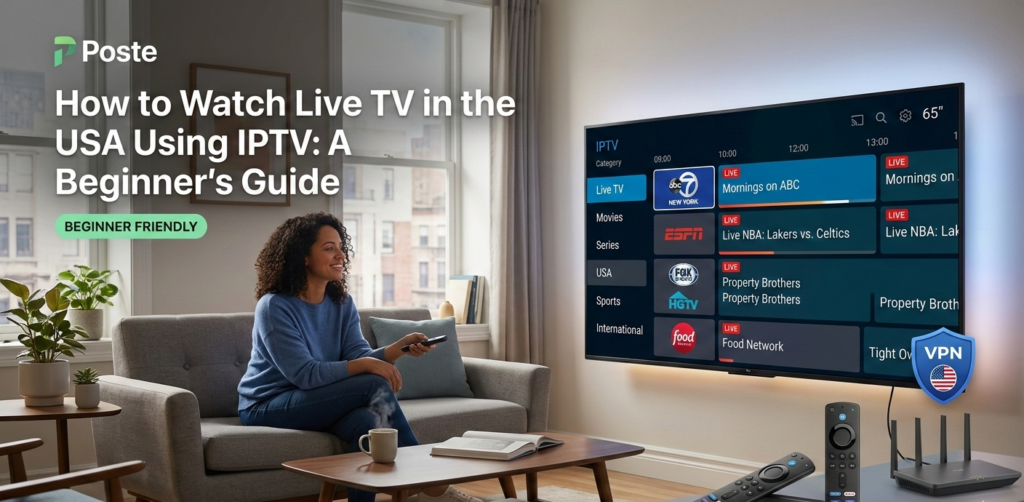
Meta Description: Learn step-by-step how to watch live TV in the USA using IPTV. Discover the best devices, apps, and tips for smooth streaming with IPTVLOOK.
Introduction
Watching live TV in the USA has never been easier, thanks to IPTV (Internet Protocol Television). Traditional cable subscriptions can be expensive and inflexible, but IPTV allows you to stream your favorite channels, sports, news, and entertainment over the internet.
In this beginner-friendly guide, we’ll explain what IPTV is, how it works, which devices and apps you can use, and how to get started safely. By the end, you’ll be ready to enjoy live TV on your preferred device with IPTVLOOK, a reliable IPTV service in the USA.
What Is IPTV?
IPTV stands for Internet Protocol Television, a modern way of delivering television content using your internet connection instead of traditional cable or satellite.
Key points about IPTV:
Streams live TV channels over the internet
Can be watched on Smart TVs, smartphones, tablets, or streaming devices
Supports on-demand content like movies and series
Offers flexibility and often lower cost than cable
IPTV is legal in the USA when you subscribe to licensed services like IPTVLOOK, ensuring safe and high-quality streaming.
Is IPTV Legal in the USA?
Yes, IPTV is legal as long as you use licensed providers. Illegal IPTV services often offer pirated content and can put you at risk of fines or malware.
Safe IPTV practices include:
Subscribe to trusted providers
Avoid free links from unverified sources
Use secure devices and apps
Keep your software updated
Recommendation: Use IPTVLOOK for a licensed, reliable IPTV service in the USA.
Required Devices for IPTV
To watch IPTV smoothly, you’ll need a compatible device. Here are the most popular options:
Smart TVs: Samsung, LG, Sony, and others support IPTV apps.
Streaming Devices: Amazon Firestick, Roku, Nvidia Shield, and Apple TV.
Mobile Devices: Android phones/tablets, iPhone/iPad.
PC/Mac: VLC Player or IPTV software like Kodi.
Each device may have different apps and setup steps. Firestick and Android are particularly popular due to flexibility and app support.
Best IPTV Players and Apps
For beginners, using the right player is crucial for a smooth experience. Here are some recommended options:
1. IPTV Smarters Pro
Available on Android, Firestick, iOS, Smart TVs
Easy setup, supports EPG (Electronic Program Guide)
Free and premium versions available
2. TiviMate
Best for Android TV
Clean interface, playlist management
Supports multiple playlists
3. GSE Smart IPTV
iOS & Android compatible
Highly customizable, supports multiple formats
Good for beginners
4. Perfect Player IPTV
Supports Firestick & Android
Minimalistic interface, lightweight
Advanced features for power users
5. VLC Media Player
Free, cross-platform (Windows, Mac, Linux, Android)
Simple but less user-friendly for large playlists
Tip: For best performance, stick to apps optimized for your device (e.g., TiviMate for Firestick, GSE Smart IPTV for iPhone).
How to Set Up IPTV on Firestick or Android
Here’s a step-by-step guide for beginners:
Step 1: Choose a Trusted IPTV Provider
Sign up with IPTVLOOK for legal and reliable service.
Step 2: Install Your Player App
Go to Amazon Appstore / Google Play Store
Search for IPTV Smarters Pro, TiviMate, or GSE Smart IPTV
Download and install
Step 3: Add Your Playlist
Obtain M3U or Xtream Codes URL from your IPTV subscription
Open the app → Add playlist → Paste URL
Step 4: Configure Settings
Select video quality (HD recommended)
Enable EPG for channel guide
Test audio/video settings
Step 5: Start Watching
Browse channels
Enjoy live TV or on-demand content
Adjust settings for optimal performance
Tips for Smooth Streaming
To avoid buffering and enjoy high-quality video:
Check Internet Speed: Minimum 10 Mbps for HD, 25 Mbps for 4K.
Use Ethernet if possible: Wired connections are more stable than Wi-Fi.
Keep Apps Updated: Always use the latest version of your IPTV player.
Limit Background Traffic: Pause downloads or streaming on other devices.
Restart Devices Weekly: Clears cache and improves performance.
Common Issues & Solutions
| Issue | Solution |
|---|---|
| Buffering | Check internet speed, reduce quality, restart device |
| Channels not loading | Update playlist, check subscription status |
| App crashes | Reinstall app, clear cache, update firmware |
FAQ (Schema-Ready)
Q1: Can I watch live TV for free using IPTV?
A1: Free IPTV services exist, but may be illegal or unstable. Licensed providers like IPTVLOOK are safer.
Q2: Do I need a VPN for IPTV?
A2: Not mandatory for legal services, but a VPN can improve privacy.
Q3: Can I use IPTV on multiple devices?
A3: Yes, most subscriptions support multiple devices simultaneously.
Q4: Is IPTV legal in the USA?
A4: Yes, if you use licensed providers only.
Conclusion & Call to Action
IPTV is the modern solution for watching live TV in the USA. With the right devices, apps, and a trusted provider like IPTVLOOK, you can enjoy hundreds of channels, sports, news, and entertainment without expensive cable subscriptions.